Start with a face that reads clearly at a small size
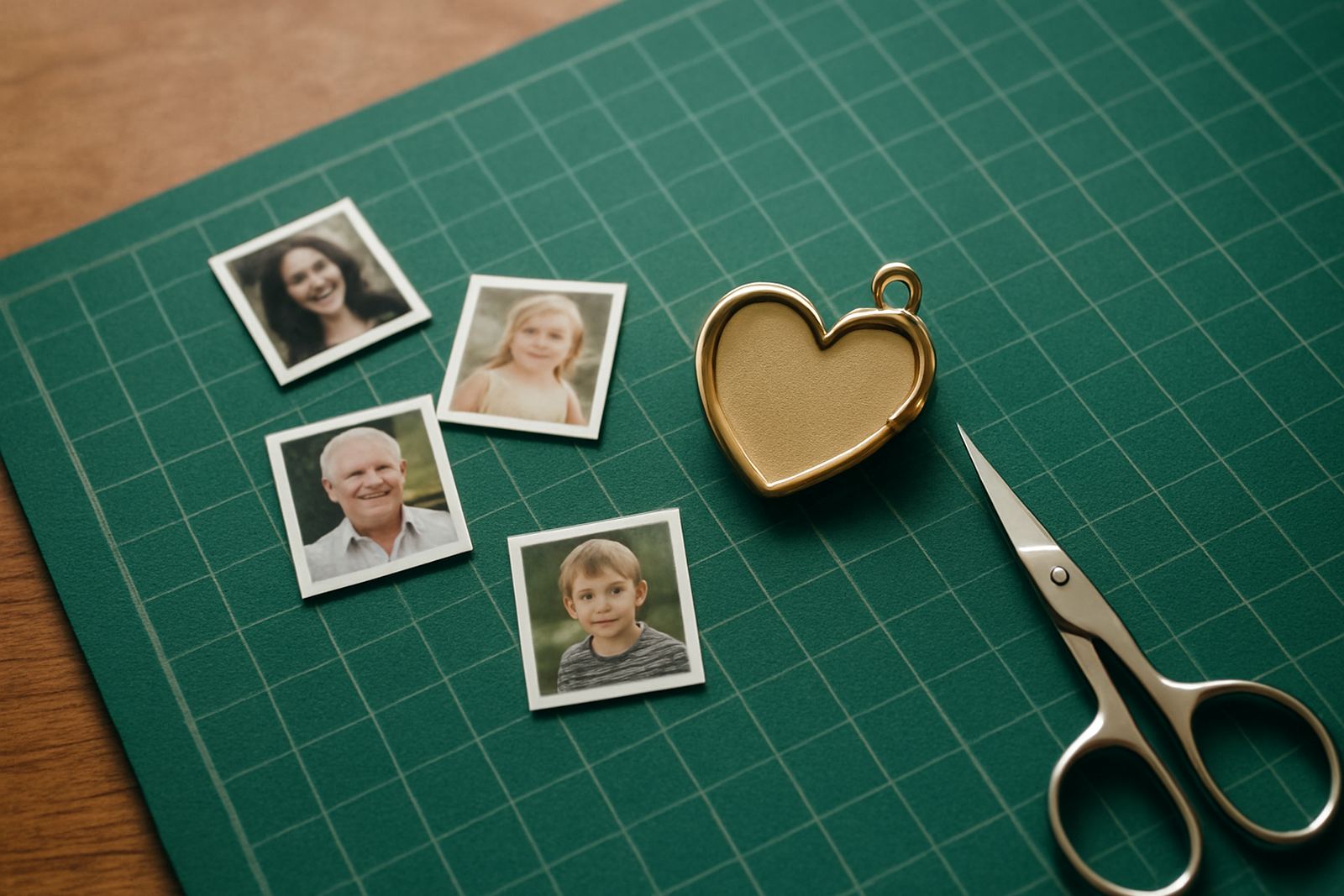
Lockets are small, so the best photos are usually simple portraits with one or two faces only. A close-up of a parent and child, a wedding portrait, or a clear image of a loved one in good light usually works better than a group photo with busy backgrounds.
When a photo is reduced to locket size, fine detail disappears first. That is why a sharp image with the face turned slightly towards the camera often prints better than a side-on shot. If the person wears glasses, make sure there is no strong glare. If the original photo is dark, blurry or heavily filtered, the finished insert can lose definition and the expression may not show properly.
If you are choosing between several options, lay them side by side on your screen and zoom out until they are very small. The image that still feels recognisable at that size is usually the stronger choice.
Choose the right crop before you send it in
Most locket photos need careful cropping so the subject sits nicely in the oval or round space. A wide photo often needs to be trimmed from the sides, while a vertical portrait may need extra room above the head and below the shoulders. The aim is to keep the face centred and leave a small border around it.
Do not crop too tightly at home if you are unsure. It is safer to send the full image and let it be adjusted for the shape of the locket. That way there is room to position the face properly without cutting off a hairline, chin or shoulder.
- Keep the face near the middle of the frame.
- Leave a little space above the head.
- Avoid cutting through the eyes or mouth.
- Send the original file if possible, not a screenshot.
For family lockets, sometimes the image works better if only two faces are used instead of trying to fit in everyone. The result is neater and the people in the photo remain easy to recognise.
Pick a photo that suits the story of the locket
A locket often carries memory more than decoration, so the image should match the feeling you want it to hold. Some people choose a smiling portrait, others prefer a quiet, natural photo taken at home or outdoors. A formal studio image can look elegant, but a candid shot may feel more personal.
If the locket is for remembrance, think about the expression and the setting as much as the face itself. A calm, familiar photo can be especially meaningful. For a gift, a picture from a special day such as a graduation, engagement or family gathering can make the piece more personal without needing any added text.
In Pretoria, we often see customers bringing in old photos from family albums in Lynnwood, Menlyn or Brooklyn. Even when the original print is slightly faded, the best parts can still be used if the face is clear enough. A gentle restoration may help, but the photo must still suit the small scale of the locket.
Check file quality before you prepare the keepsake
The clearer the source image, the better the final result. A high resolution photo gives more room for resizing and adjusting. If you only have a picture on your phone, use the original file rather than a forwarded copy, because each resend can reduce quality.
Look out for common issues that make a locket insert less sharp:
- heavy filters that change skin tone or soften detail
- screenshots with low clarity
- images sent through messaging apps in reduced quality
- strong shadows across the face
- busy backgrounds that pull attention away from the subject
If the photo was taken in low light, make sure the face is still visible. In coastal areas humidity can affect paper prints over time, so it helps to work from a clean digital file wherever possible and keep printed originals stored carefully.
Think about the finish and how the photo will be used
Different lockets and keepsake pieces may suit different kinds of images. A black and white photo can feel timeless and elegant, while a colour portrait may feel warmer and more personal. If the image has very strong reds or dark shadows, check that it still looks balanced when reduced to a small insert.
Some families prefer one photo for the front and a second image for a separate keepsake card or box insert. That can be useful when the main photo is sentimental but not quite suited to such a tiny space. It also gives you room to include a handwritten note or date elsewhere in the gift set.
For a more polished result, keep the background simple. A plain wall, garden setting or softly blurred room often prints better than a crowded scene. The subject remains the focus and the keepsake feels more carefuly prepared.
How to send a photo that is ready for production
Before you submit your image, take a moment to prepare it properly. That saves time and helps avoid avoidable changes later. If you are ordering from Pretoria or using our nationwide courier service, the same basic checks apply whether the photo came from a phone, a scan or an older print.
- Use the original photo file if you have it.
- Choose one clear face instead of too many people.
- Check that the image is not blurry or too dark.
- Keep the face centred and upright.
- Let the keepsake team handle final cropping if you are unsure.
Families collecting through Lynnwood, Centurion, Silverton or Midrand pickup points often send several photos at once so they can compare them before deciding. That is often the best approach when the choice is emotional. A little patience upfront usually leads to a locket that feels right every time it is opened.